Your wardrobe, worn by you, before you get dressed.
For anyone who owns more clothes than outfit ideas. Photograph what you already have; it catalogues every piece, renders your actual body, and shows you the fit before you put it on.
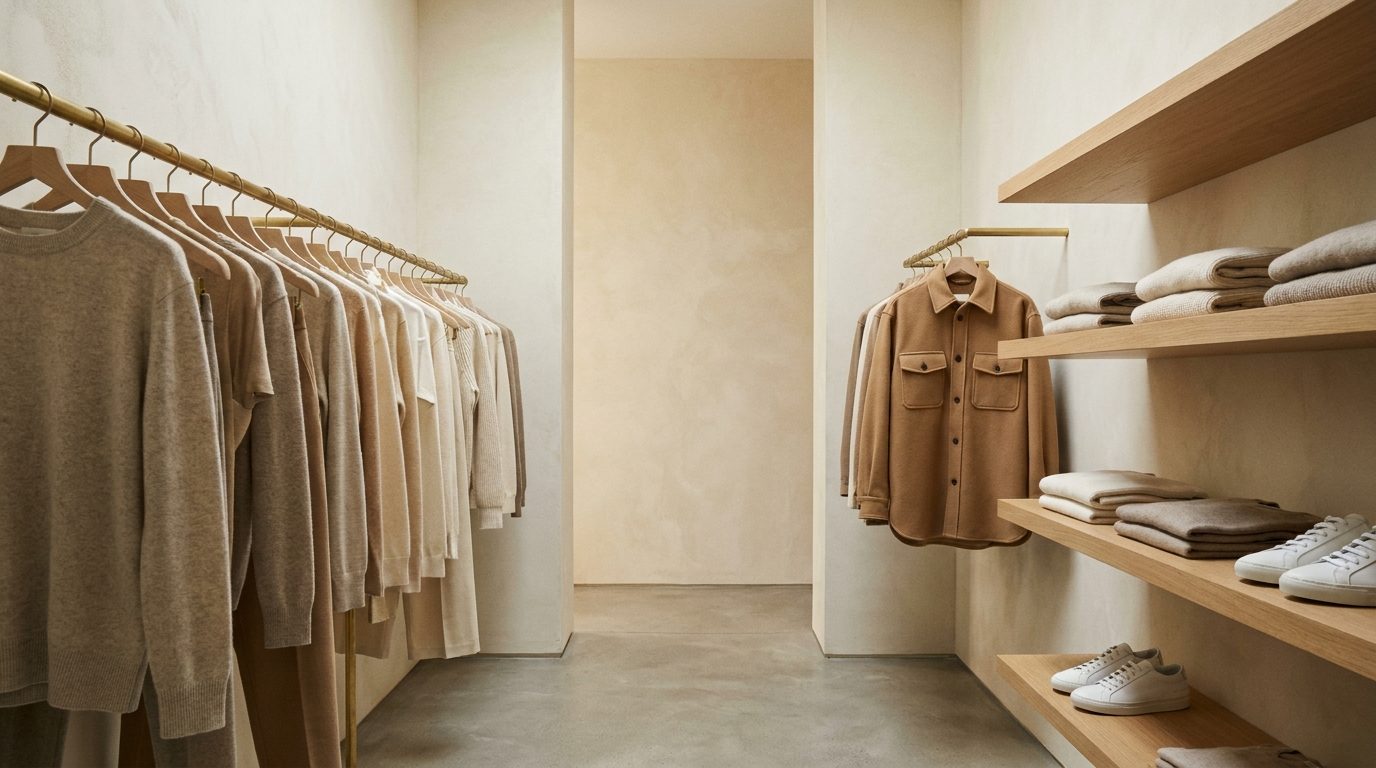
From the app’s own intro art. The home screen composes a scene like this from your real pieces.
What it is
A full closet and still nothing to wear
The clothes exist. The problem is remembering them. Half the wardrobe is behind other clothes, the good shirt lives in a drawer you never open, and you end up in the same three outfits because those are the ones you can picture.
So you photograph them — worn, hung, or heaped on the bed. Gemini detects each piece, names it, and re-shoots it as a clean catalogue image. Then it composes outfits from what you actually own and renders them on a mannequin built from your own photos. Not a model's.
Tour
Three steps, then it runs
Step 01
Build your mannequin
Upload a selfie and a full-body shot. The app builds a photoreal render of you — face, build, height — and stores an identity passport so your face stays your face in every look.
Body-calibration dials for height and weight
One anchor render every outfit edits from
Step 02
Catalogue your closet
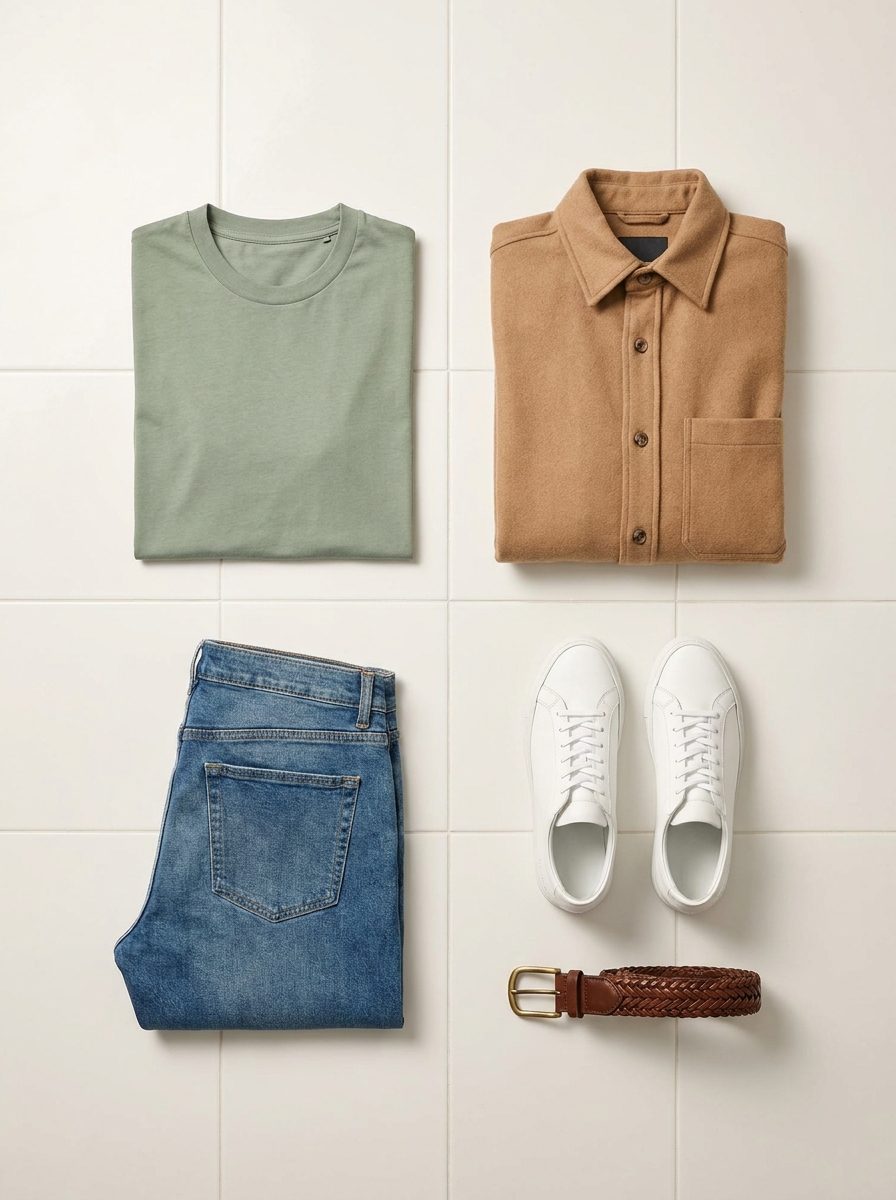
Photograph clothes worn, hung, or heaped on the bed. Several pieces in one photo are detected separately, named, tagged by category, colour and season, then re-shot once as a clean product image.
Photos of you route to your profile
Disable pieces you don’t want styled
Step 03
Generate. Voilà.
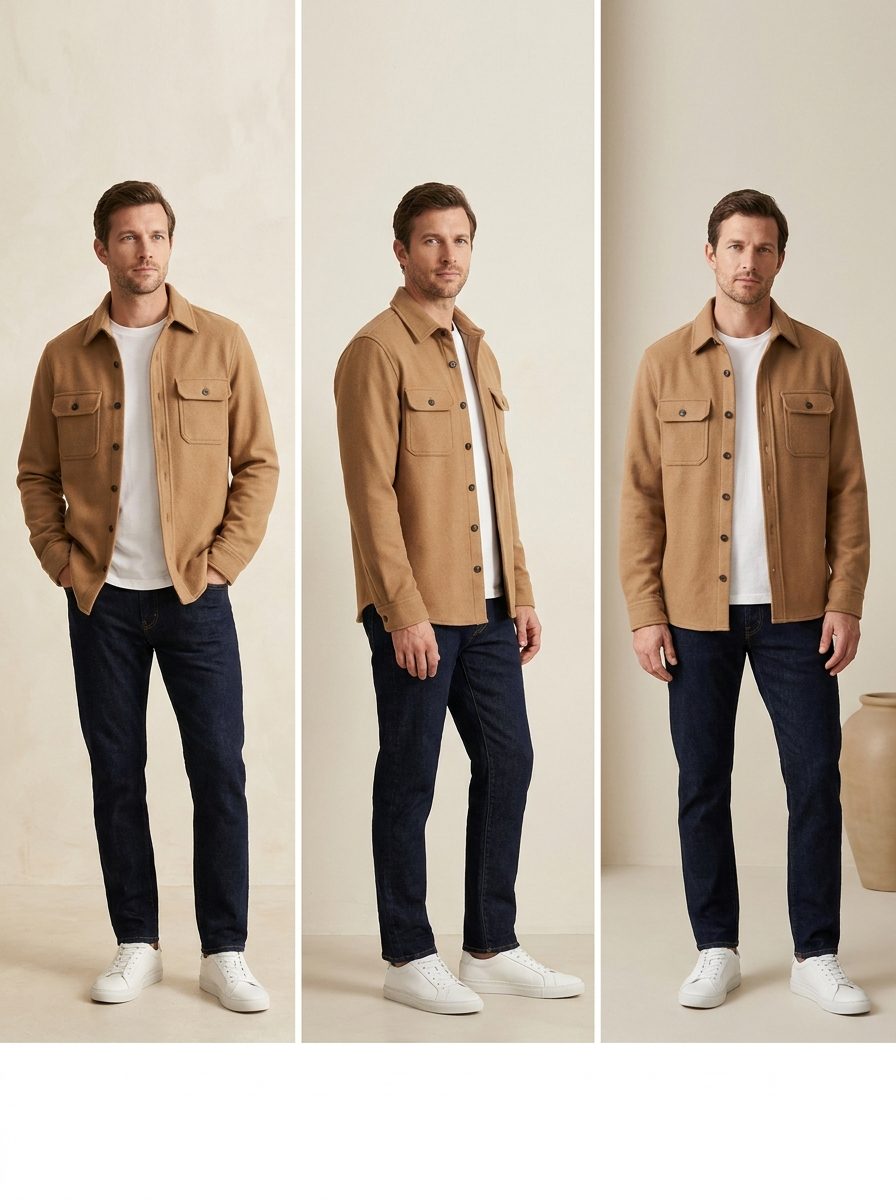
The stylist composes fits from your real wardrobe — weather-aware, age-aware, tagged by occasion — and renders each one on your mannequin, head to shoes, with a short explanation of why it works.
Work, casual, friends, date, active, lounge
One tap: same fit, different jeans
Goofy mode, if you insist
How it works
From a pile of photos to a fit
Four steps, in this order. One and two are setup you do once; step four is the part you come back for.
01
Sign in with Google
Google OAuth through Supabase. Access is invite-only for now — if your email isn’t on the list, the login page says so and sends you back.
02
Upload your photos
Drag in a batch. Images are compressed in the browser, then classified: clothing becomes wardrobe items, photos of you go to your profile.
03
Set your profile
Height, weight, and a ZIP code for weather. Then generate a base render — the studio full-body image every outfit is rendered against.
04
Open the fits page
The stylist builds outfits from everything enabled in your wardrobe and renders them. A nightly cron refreshes scenes and works through queued restyles.
Features
What’s actually in it
Walk-in closet home
The home screen is a closet scene composed from your real pieces, with clickable rails and shelves.
Identity-locked renders
Every look is edit-framed off one anchor mannequin, so the face and build stay yours across outfits.
Automatic catalogue shots
Each item gets one generated white-background product image, created once and saved with the model that made it.
Weather-aware styling
Your ZIP code drives a local forecast on the dashboard, and the stylist factors it into what it suggests.
Occasion tags
Fits are classified work, casual, friends, date, active or lounge, and filterable by the rating you gave them.
Outfit variations
One tap swaps a single piece — same tee, different pants — and renders the new version on click.
Profiles and sharing
Several people per account. Share a profile by email as viewer or manager; permissions live in Postgres, enforced by RLS.
Nothing is deleted
Removals are soft deletes. Renders are appended and kept with their model tag, so you can compare outputs later.
Goofy mode
Each fit optionally gets a comedy-pose take with the same likeness. Swipe between the classic version and that one.
Built with
The stack, and where the photos live
Next.js 16
React 19
TypeScript
Tailwind CSS 4
Supabase
@google/genai
sharp
Vercel
Hosted on Vercel. Auth, Postgres and a private storage bucket are Supabase, with row-level security scoping every row to its owner. Image generation runs on Gemini, billed to my own API key — which is why access is invite-only.
FAQ
Reasonable questions
Is it free?
For you, there is nothing to pay. For me there is — every render costs Gemini credits on my key. That is the whole reason access is invite-only.
Do I need an account?
Yes. Google sign-in, and your email has to be on the invite list. If it isn’t, the login page tells you to ask me to add it.
Where do my photos go?
A private Supabase storage bucket, filed under your user id and guarded by row-level security. Images are sent to Gemini for classification and rendering. None of it is public.
Does it work on a phone?
Yes, in the browser, and the layout is built for it. It ships a web manifest, so you can add it to your home screen. There is no App Store app and no offline mode.
Can I run my own copy?
The source is on GitHub. You would need your own Supabase project and a Gemini API key; the README lists every environment variable it expects.