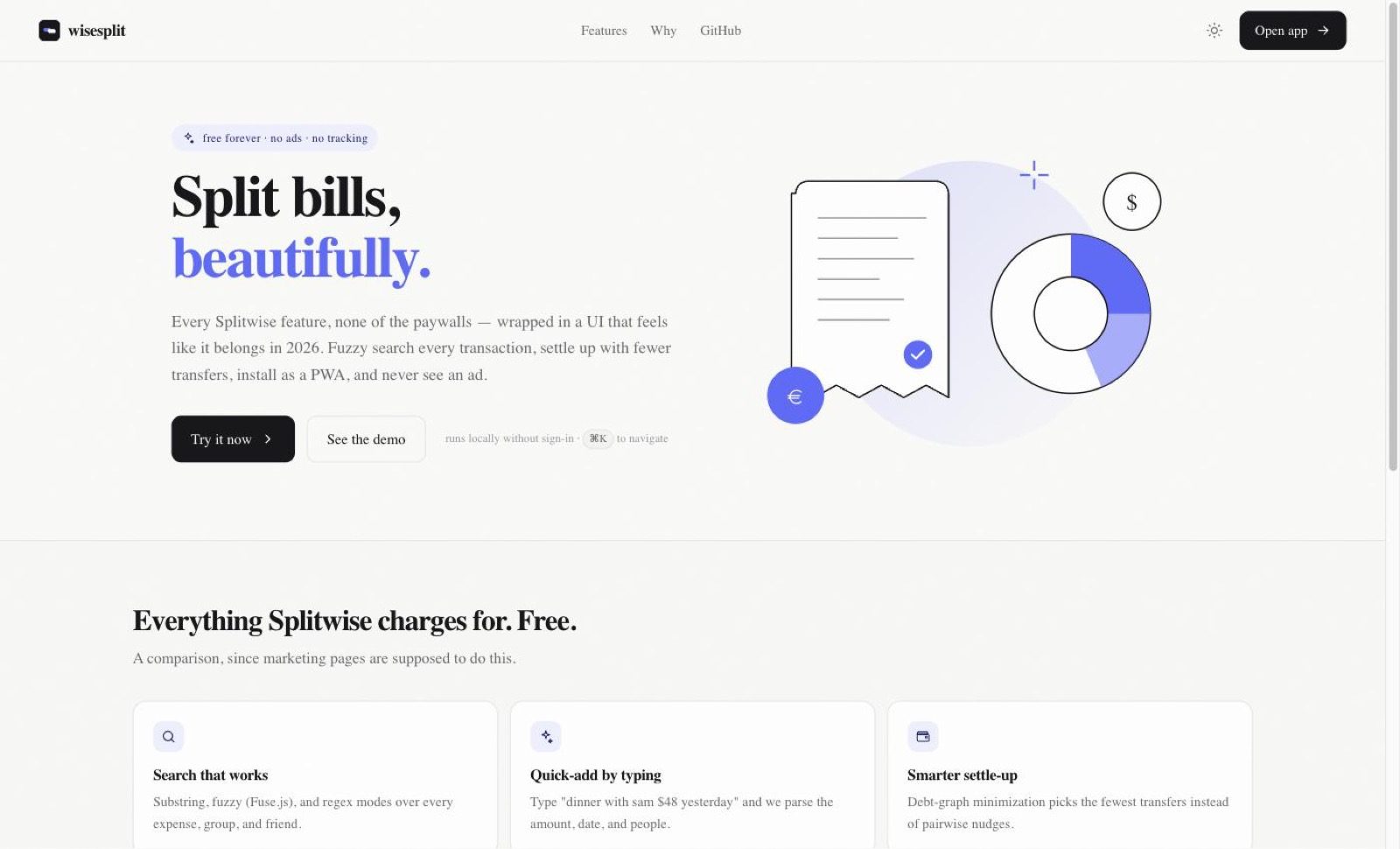
A week in Lisbon turns into forty small payments and one group chat where nobody remembers who covered the Airbnb. Splitwise handles the arithmetic, then puts recurring expenses, itemisation, currency conversion and charts behind Pro, and shows everyone else ads.
Wise Split takes the same ledger — who paid, who owes, in which currency — and runs the whole group's debt graph through a minimisation pass before it tells anyone to pay anyone. Splitwise nudges pairwise. This collapses the cycles first, then names the transfers.
Tour
The screens you'll actually use
kbrovibes.github.io/wisesplit/dashboard/
Settle up
Fewer transfers
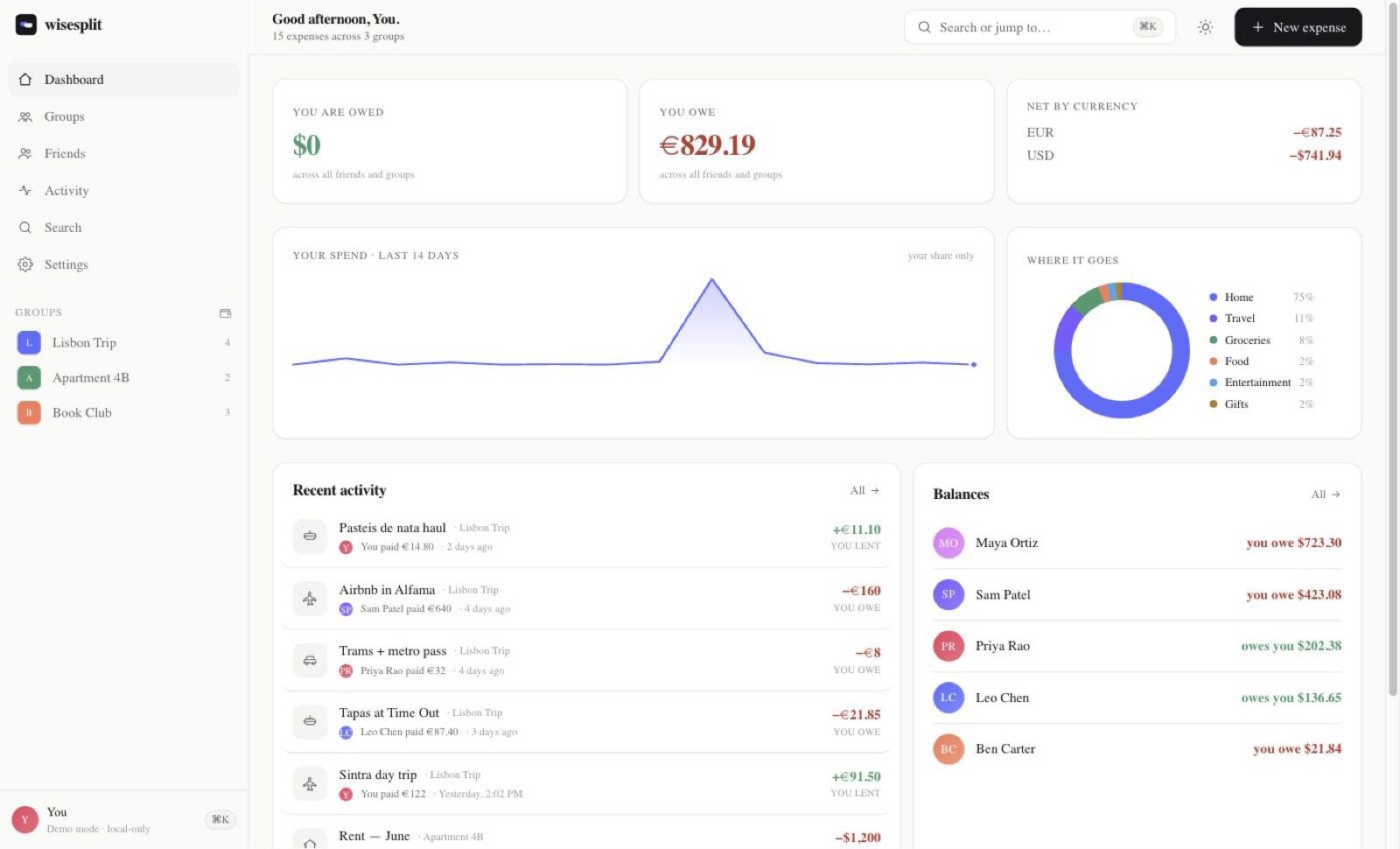
The dashboard nets what you are owed against what you owe, per currency, and lists every person you have an open balance with. Settle-up runs the group's debt graph through a minimisation pass instead of nudging each pair separately.
Net by currency, not one blended total
Per-person balances in one column
Debt-graph minimisation, not pairwise
kbrovibes.github.io/wisesplit/dashboard/
Charts
Where it goes
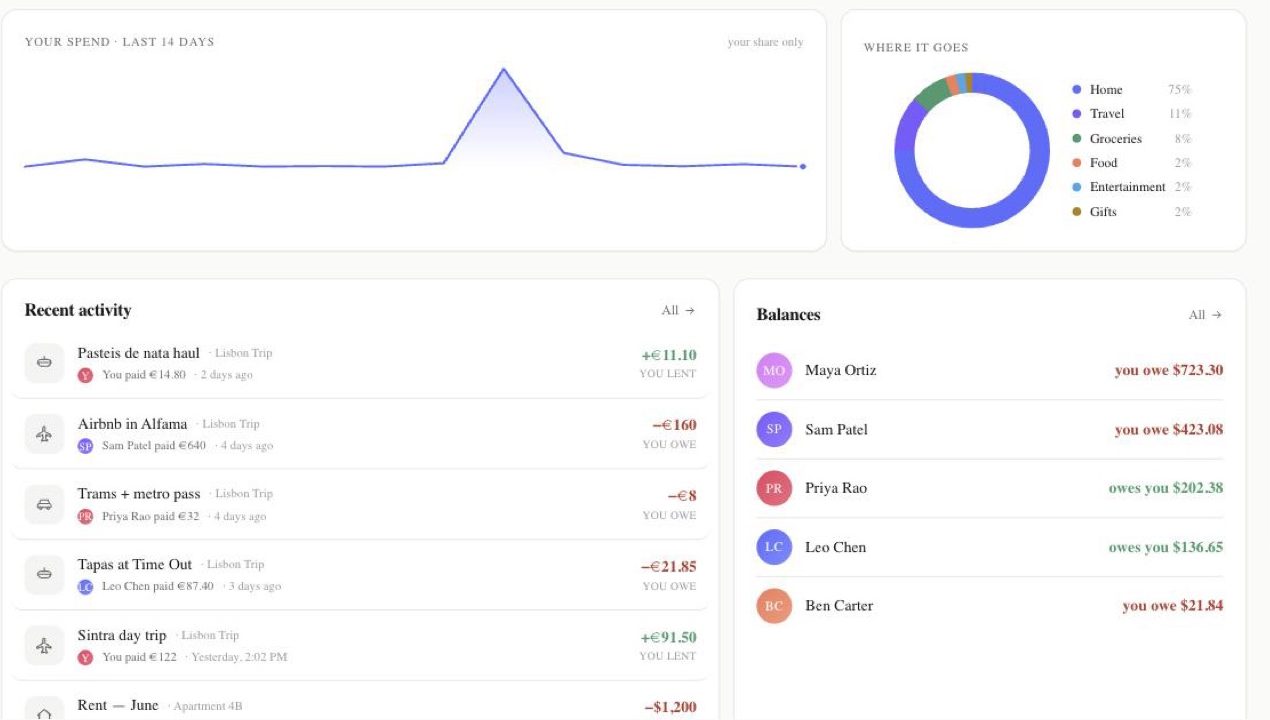
Your share of the last fourteen days, plus a category breakdown of the same period. Both charts are hand-rolled SVG. There is no charting library in the dependency list and no raster image anywhere in the app.
Hand-rolled SVG, no chart library
Category split as percentages
kbrovibes.github.io/wisesplit/dashboard/
Dark mode
Dark, and offline
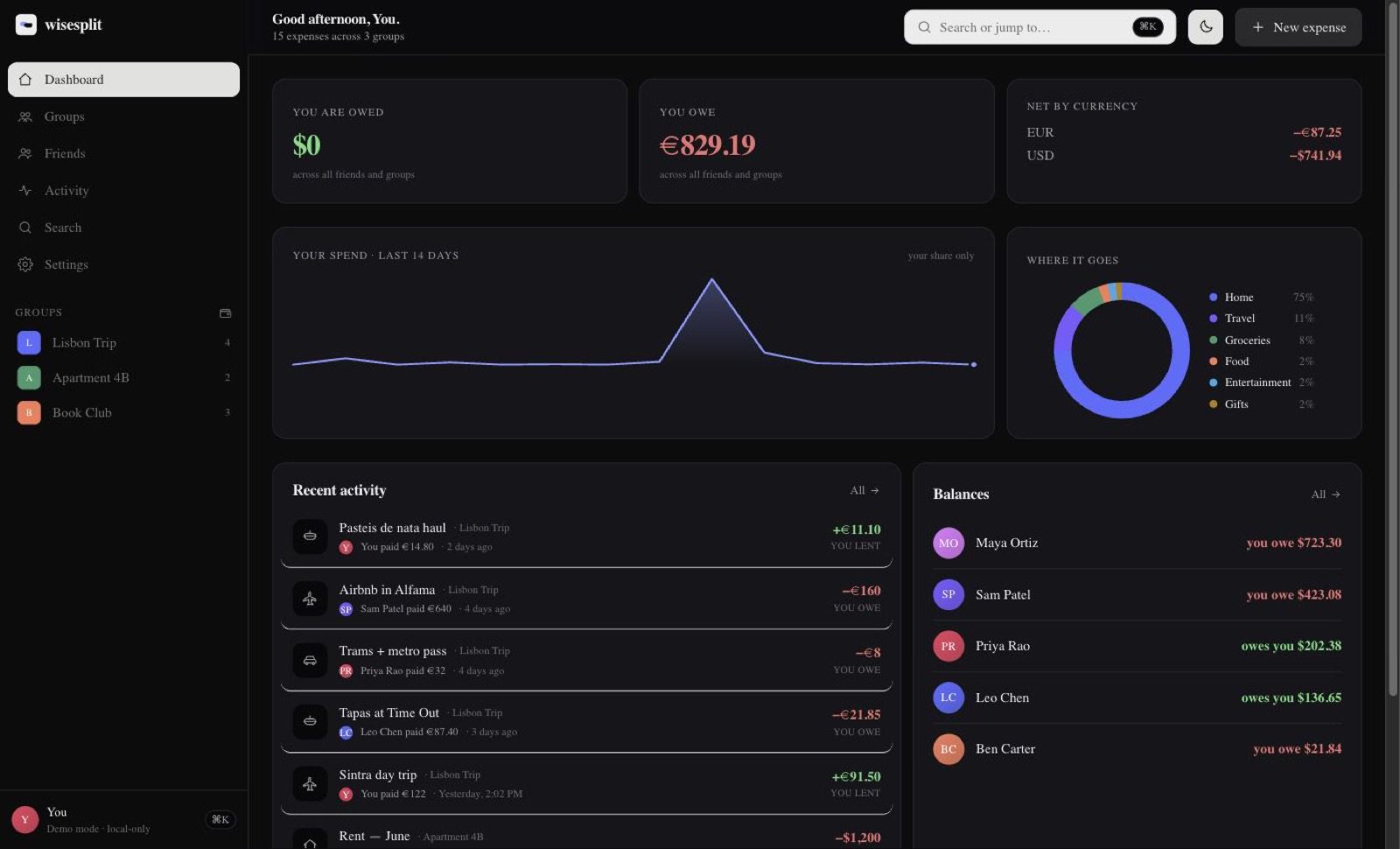
Light, dark, or follow the system. The theme is set on the document before first paint, so there is no white flash on load. A manifest and a service worker make it installable, and the shell loads from cache with no network.
Theme applied before hydration
Cache-first shell, network-first pages
How it works
From an awkward group chat to a settled ledger
Four steps, in the order a first-time visitor actually meets them.
01
Open the demo
There is no sign-up wall. The published build seeds a ledger in your browser so you can poke at real balances straight away.
02
Add an expense
Press N, or type "dinner with sam $48 yesterday" into quick add and let the parser fill in the amount, the date and the people.
03
Split it your way
Equal, percent, share-based, or exact amounts. Money is stored as integer cents plus an ISO currency code, then formatted with Intl.
04
Settle up
The balances view collapses the group's debt graph and names the payments to make. Reminders open a mailto draft or the system share sheet.
Features
What's actually in it
Four split modes
Equal, percent, share-based, or exact amounts, chosen per expense rather than per group.
Three search modes
Substring, fuzzy through Fuse.js, and raw regular expressions across every expense, group and friend.
Quick add by typing
Type one sentence and the parser pulls out the amount, the date and the people involved.
Debt-graph settle-up
Minimises the number of transfers a group needs instead of settling every pair separately.
Multi-currency
Amounts held as integer cents plus an ISO 4217 code, rendered with Intl.NumberFormat.
Keyboard first
Command palette, slash to search, N for a new expense, and G-then-letter to jump around.
Installable PWA
A custom manifest and service worker; the app shell loads from cache when you are offline.
Pure SVG
Every icon, chart, illustration and avatar is vector. There is no raster image in the repository.
No tracking
Zero analytics, zero third-party scripts, zero ads. There is nothing to opt out of.
Built with
The stack, and where the data lives
Next.js 16
React 19
TypeScript
Tailwind CSS v4
Supabase
TanStack Query
Zustand
Fuse.js
Zod
A static export, deployed to GitHub Pages by Actions and mirrored on Vercel. The published build keeps your ledger in the browser's local storage, so nothing leaves the device. Supabase Google sign-in and Postgres with row-level security are in the source but not switched on for this deploy. MIT licensed, so you can fork it and point it at your own Supabase project.
FAQ
Reasonable questions
Is it free?
Yes, and there is no paid tier to upgrade to. The licence is MIT, so you can fork it, host it and rebrand it. Self-hosting costs whatever your own Supabase project costs, which on the free tier is nothing.
Do I need an account?
Not on this build. It runs in demo mode with a seeded ledger, so there is no sign-up step. Google sign-in through Supabase exists in the source but is not enabled on the published copy yet.
Where does my data go?
Nowhere. No analytics, no third-party scripts, no ads. On the published build everything stays in your browser's local storage. Self-host it against your own Supabase project and it goes to your Postgres, behind row-level security.
Does it work on my phone?
Yes. It ships a web app manifest and a service worker, so you can install it to the home screen and the shell still loads without a connection. There is no App Store or Play Store build.
Can I attach a photo of the receipt?
No. The app is SVG-only by design, which means it has no image upload path at all. That was a deliberate trade, not an oversight. Attach a note to the expense instead.